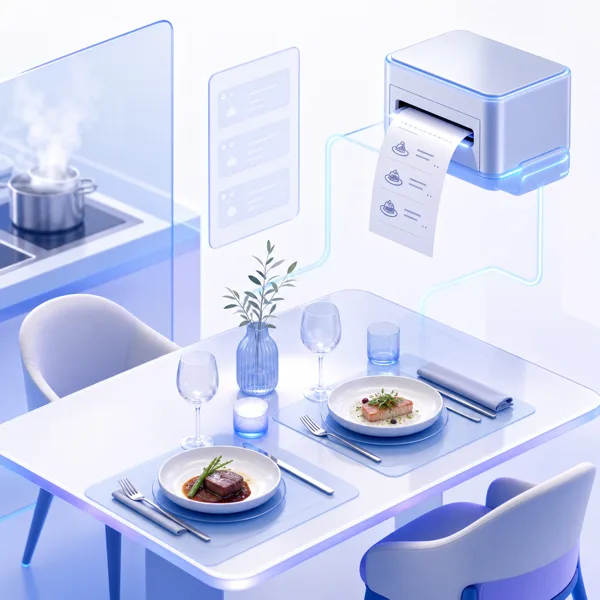
Orders were written, walked and shouted. Tickets went missing between the terrace and the pass, and the till never matched what the kitchen thought it had cooked.
After
Orders go from table to kitchen screen instantly. The bill follows the table across rounds and servers, and close-of-day balances against what was served.
The order reaches the pass the moment it is taken, and the bill survives a shift change.
What’s included
Pre-configured workflows, so you are running in a day rather than a quarter.
Tables and floor plan
Areas, covers and live occupancy — with the open bill on every table.
Kitchen display
Tickets on screen, timed, routed to the station that cooks them.
Modifiers and combos
No onions, extra shot, meal deals — priced properly.
Split and merge bills
By item, by cover, or however the table decides.
Online ordering
Collection and delivery on the same menu and the same stock.
Tips and tronc
Collected, pooled and distributed on rules you set.
Course timing
Fire starters now, mains on the pass — each course goes when it should.
Bookings and covers
Reservations, walk-ins and no-shows against the same floor plan.
Self-order kiosks
Guests order at the kiosk; the ticket lands in the same kitchen queue.
Kitchen and bar printers
Route each line to the right printer, or run paperless on screens.
Shifts and cash-up
Open with a float, close against what was taken, variance shown.
Keeps serving offline
Orders and payments carry on without a line, then sync when it returns.
Recipes and stock
Selling a dish draws down its ingredients, so the count is real.
Sales and history
Every order, payment and refund — searchable, and reported by day, item or staff.
Menus by time and place
Breakfast, lunch and a different list on the terrace, on a schedule.
Staff and permissions
Who may discount, void or refund — recorded against the person who did it.
Loyalty and accounts
Member prices, house accounts and repeat guests recognised at the till.
Many sites, one account
Each venue runs its own service; the books roll up to one place.
What it looks like
The same service, on whichever screen the job happens on.
Faster orders. Take the order, price it and send it to the pass without leaving the table.Every order, timed. New, preparing and ready — with the clock running on each ticket and late ones flagged.Every table. Floor plan by area, live occupancy, and the open bill on each one.Every transaction. Orders, payments and refunds, searchable by receipt, name, table or method.
Hardware
The kit this runs on
Certified SUNMI devices, pre-flashed and auto-configured. Unbox, sign in, and the peripherals are already found.
The pass never guesses.Every ticket is legible, timed and in sequence.
One menu everywhere.Change a price once — table, kiosk, online and the printed menu follow.
Close-of-day that reconciles.What was served, what was rung up and what is in the drawer, side by side.
One account behind all of it
Run more than one kind of business? A retail floor and a restaurant sit on the same login — different locations, different tills, one set of books. There is no second account to buy and no second password to remember.